
How I’m using one AI platform across two very different websites.
TL;DR
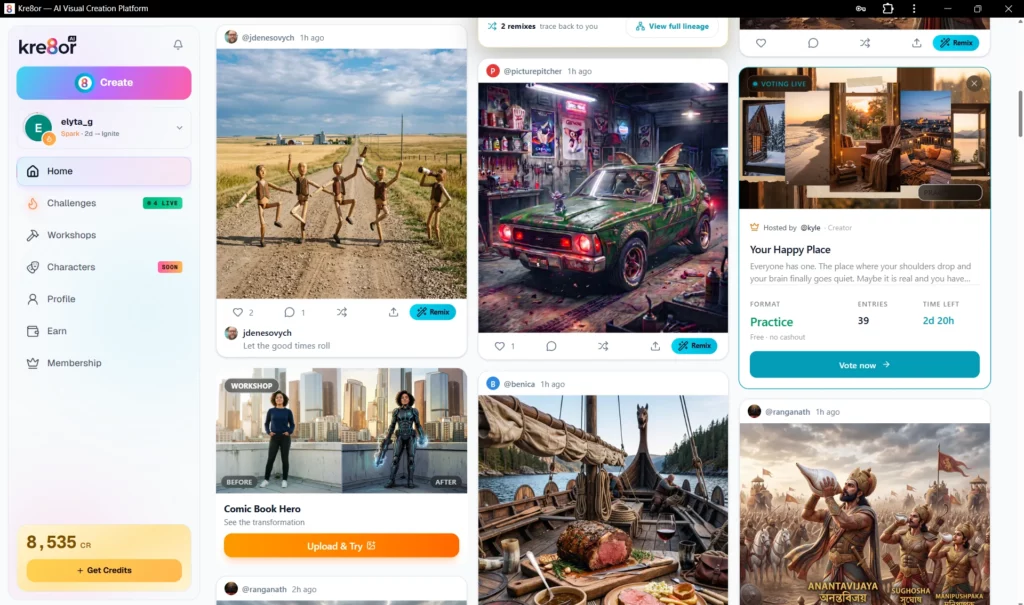
- I joined the Kre8or beta to see whether it could genuinely fit into my website workflow.
- Rather than focusing on elaborate prompts, I’ve found myself using Workshops to create practical images more consistently.
- So far I’ve used Kre8or for Pinterest graphics, blog images, travel posters, social media content and creative business visuals.
- This isn’t a full review—it’s an honest look at where the platform currently fits into my workflow.
- I’ll continue updating my experience as I spend more time using it.
AI tools seem to promise they can do everything.
Write articles.
Generate images.
Create videos.
Replace designers.
Replace marketers.
Replace… well… almost everyone.
After a while, they all begin to sound remarkably similar.
So when I joined the Kre8or beta, I deliberately approached it a little differently.
Rather than asking:
“Can this create amazing images?”
I wanted to know:
“Will I actually keep using it once the novelty wears off?”
For me, that has always been the more important question.
I don’t build websites to experiment with tools.
I experiment with tools to build better websites.
After spending time inside the beta, I think I’m starting to understand exactly where Kre8or fits into my workflow.
This isn’t a full review.
It’s simply where I am today.
I’m Not a Prompt Engineer
I’ll admit something that might surprise people.
I’m not someone who enjoys spending half an hour writing elaborate prompts.
Some people absolutely love prompt engineering.
They create incredible artwork.
Build cinematic scenes.
Experiment with lighting, camera angles and artistic styles.
I genuinely enjoy looking at what they create.
But it isn’t really how I work.
Most days I’m simply trying to answer questions like:
- How do I make a better Pinterest image?
- Can I improve this blog graphic?
- How can I explain an idea visually?
- Can I create something that helps my readers?
That’s why I don’t judge AI tools by how spectacular their best image is.
I judge them by how often I actually open them.
The Feature That Hooked Me: Workshops
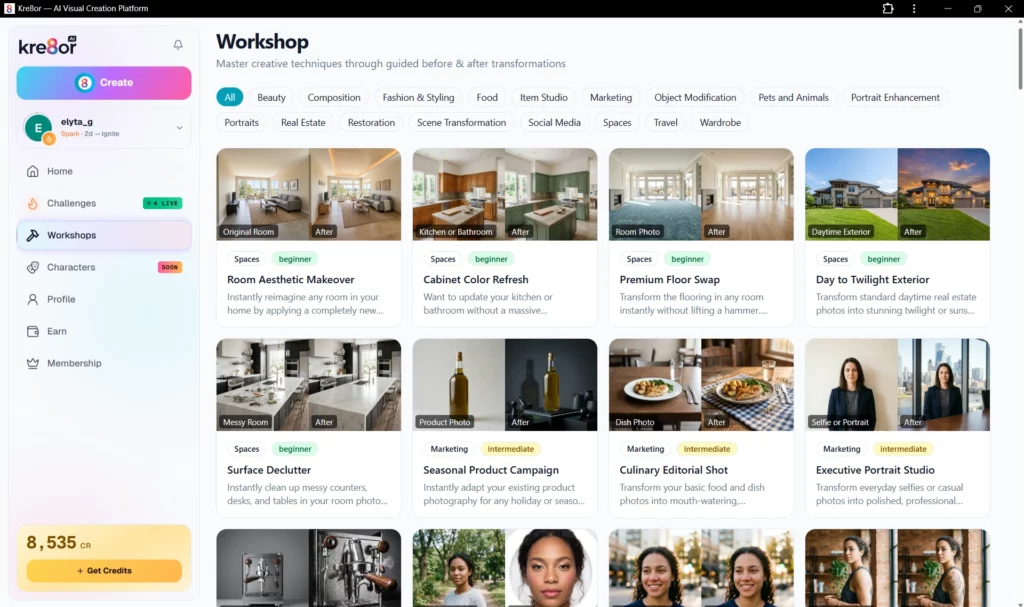
The feature I’ve found myself returning to most isn’t actually the image generator itself.
It’s the Workshops.
Rather than starting with a blank prompt, Workshops guide you through specific transformations.
Instead of wondering:
“What should I type?”
You choose an outcome.
That simple shift removes a surprising amount of friction.
As someone who doesn’t consider themselves an expert prompter, that’s probably the biggest reason Kre8or has remained open in my browser.
It feels less like learning another complicated AI tool…
…and more like choosing the project you want to create.
If you’re curious to explore Kre8or yourself, you can create a free account using my invite below. At the time of writing, access is still being rolled out through invites, making this the easiest way to get started.
👉 Create Your Free Kre8or Account
Using Kre8or Across Two Websites
One unexpected discovery is that I’m using Kre8or very differently depending on the website I’m working on.


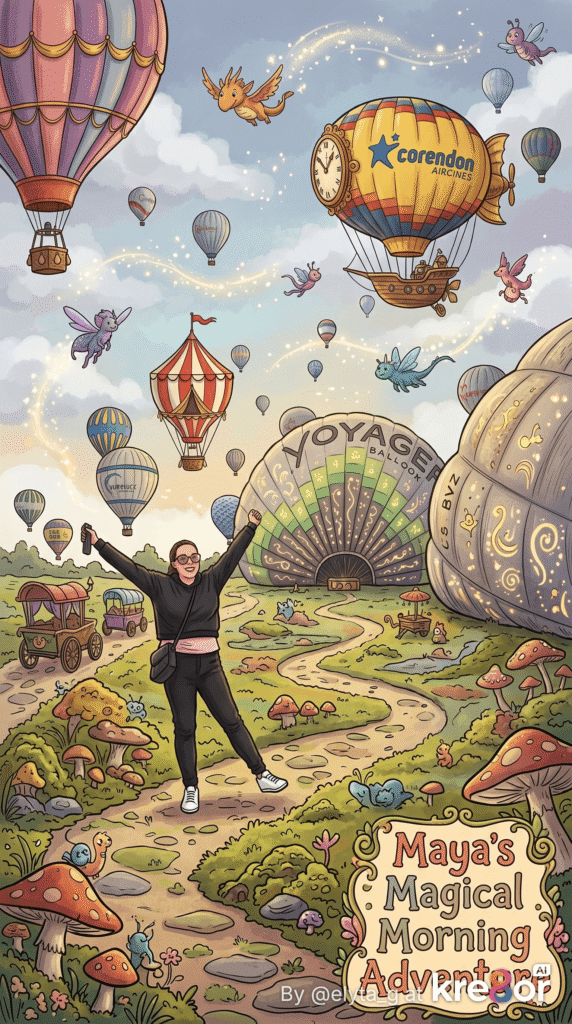
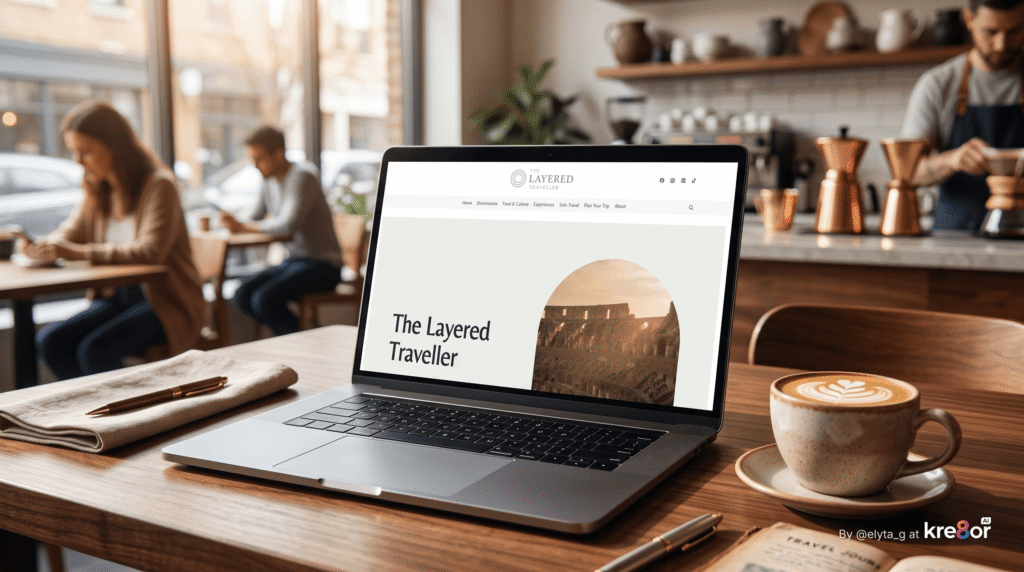
The Layered Traveller
My travel website relies heavily on visuals.
Pinterest graphics.
Social media.
Article images.
Creative experiments.
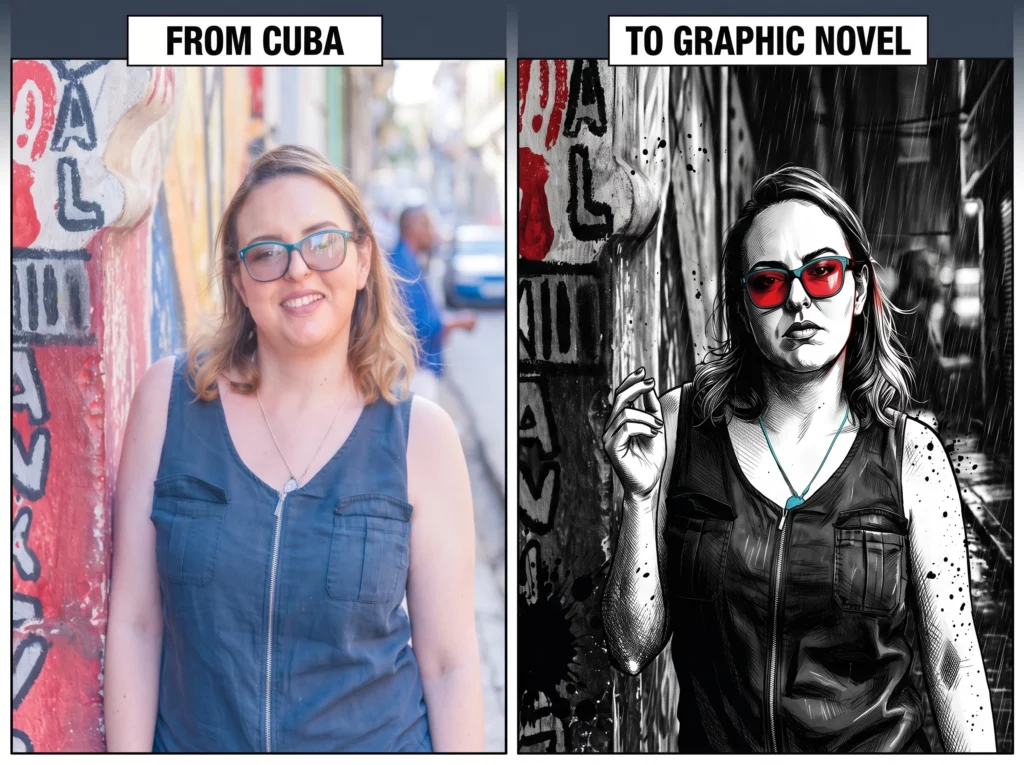
One of my favourite projects so far has been transforming my own travel photographs into completely different artistic styles.
A photo from Cappadocia became:
- a vintage travel poster
- a magazine cover
- a movie poster
- a watercolour painting
- a children’s book illustration
Each version served a different creative purpose.
Not because I needed all of them…
…but because each one helped me think about how the same destination could be presented to different audiences.
That kind of experimentation is something I can genuinely see becoming part of my creative workflow.
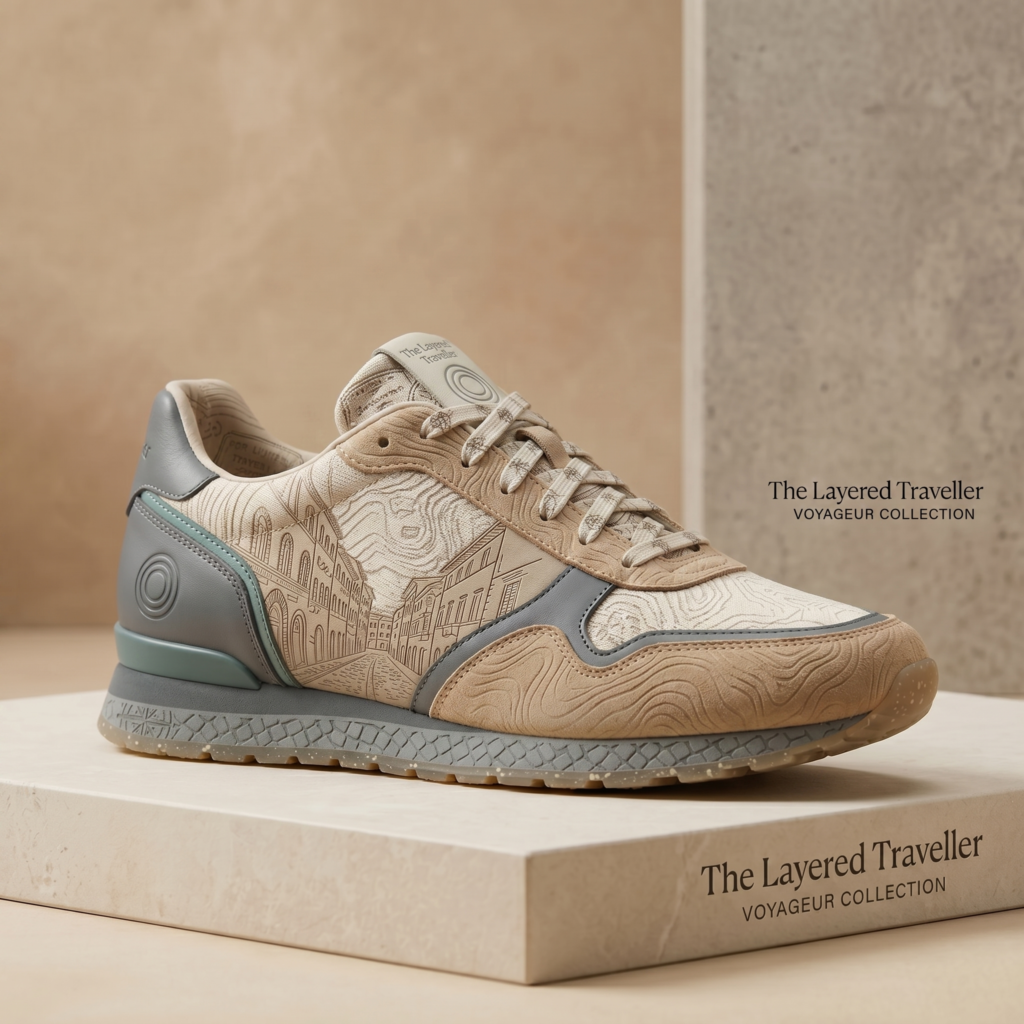
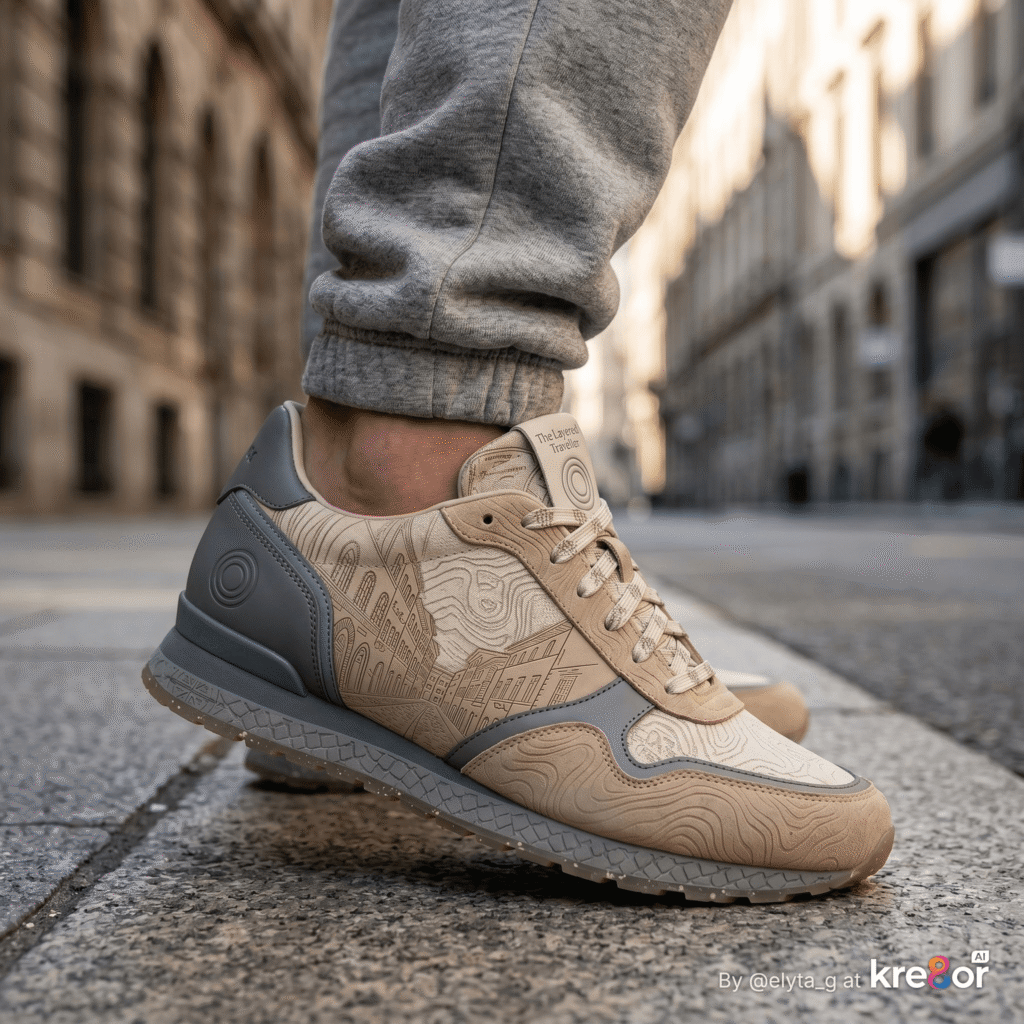
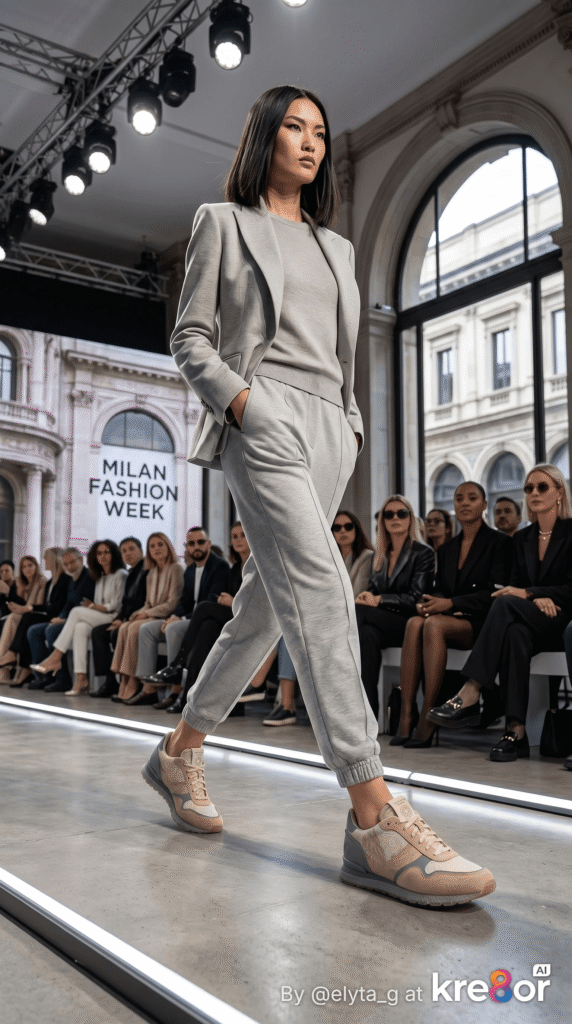
The Gentle Earner
Ironically, my online business website has become where Kre8or feels most practical.
Instead of fantasy artwork, I’ve found myself creating things like:
- blog graphics
- promotional images
- before-and-after examples
- home renovation concepts
- social media content
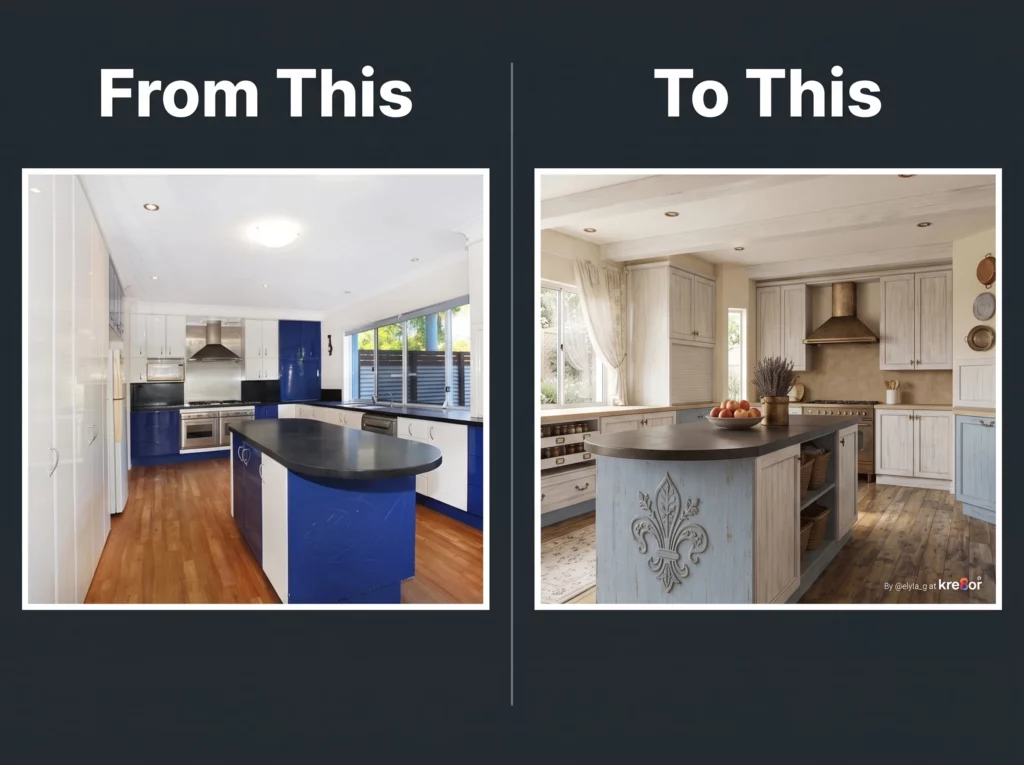
One of my favourite Workshop experiments transformed a photo of my old kitchen into a beautifully redesigned space.
It wasn’t just interesting.
It immediately made me think:
“I know exactly how a blogger, interior designer or renovation business could use this.”
That’s the sort of practical thinking that interests me far more than simply generating beautiful images.
What Surprised Me Most
Before joining the beta, I assumed I’d spend most of my time experimenting with prompts.
Instead…
I’ve spent much more time thinking about workflows.
How can this help create blog content?
Can it make Pinterest images easier?
Could it produce better social graphics?
Can I explain ideas visually instead of with paragraphs?
Those questions have become far more interesting than chasing the “perfect” AI image.
Who I Think Kre8or Will Suit
Although I’m still exploring the platform, I can already see it being useful for people like:
- bloggers
- affiliate marketers
- Pinterest creators
- website owners
- content creators
- small businesses
- anyone who regularly needs original visuals
Especially if, like me, you’re more interested in solving real problems than becoming an AI artist.
What’s Next?
I’m deliberately taking my time.
Rather than rushing to produce a definitive review after only a few weeks, I’d rather continue building real projects with Kre8or and share what I learn along the way.
Over the coming months I plan to explore things like:
- using Workshops for blog graphics
- creating Pinterest content at scale
- travel photography transformations
- product mock-ups
- before-and-after comparisons
- and eventually a much more comprehensive review once I’ve spent considerably more time inside the platform.
I think that will be far more useful than pretending I’ve already mastered every feature.
Final Thoughts
One thing I’ve learned while building websites is that the best tools rarely become part of your workflow overnight.
They quietly earn their place.
That’s how Kre8or feels to me right now.
Not because I’ve explored every corner of the platform…
…but because I keep finding genuine reasons to open it again.
For now, that’s enough.
I’ll continue sharing what I create, what works, what doesn’t, and where I think Kre8or genuinely helps.
And as I spend more time with it, this won’t just become a review.
It will become part of an ongoing case study of how one AI platform fits into the day-to-day reality of building two very different websites.
Give it a try yourself for free.
FAQ
Is Kre8or just another AI image generator?
Not in my experience. While it can generate images, I’ve found its Workshops and guided creative tools particularly useful because they reduce the need for complex prompting.
Do I need to be good at writing prompts?
Not necessarily. One of the reasons I’ve enjoyed Kre8or is that many of the Workshops guide you through the creative process, making it much easier to produce interesting results.
How am I using Kre8or?
At the moment I’m mainly using it to create:
-Pinterest graphics
-Blog images
-Travel poster concepts
-Social media content
-Creative before-and-after examples
Is this a full Kre8or review?
No.
This article shares my first impressions after beta testing. I’ll publish a more comprehensive review once I’ve spent significantly more time using the platform.
Who do I think Kre8or is best suited for?
Based on my experience so far, I think it will appeal to bloggers, affiliate marketers, Pinterest creators, website owners and small businesses looking for practical ways to create original visuals.