
As of December 2025, Squarespace website builder remains a premium website builder renowned for its stunning, designer-quality templates and polished, professional aesthetics.
It’s particularly popular among creatives, photographers, designers, small businesses, and entrepreneurs who prioritize beautiful design over extensive customization flexibility. With millions of users worldwide, Squarespace offers an all-in-one platform including hosting, domains, e-commerce, and marketing tools.
This in-depth guide covers the latest features, pricing, capabilities, and tools based on official Squarespace information as of late 2025. Whether you’re planning a portfolio, blog, service-based site, or online store, this article equips you with the facts to evaluate if Squarespace fits your requirements—like design elegance, ease of use, built-in SEO, or integrated selling.
Personal hands-on insights will be added in future updates.
What is Squarespace? An Overview
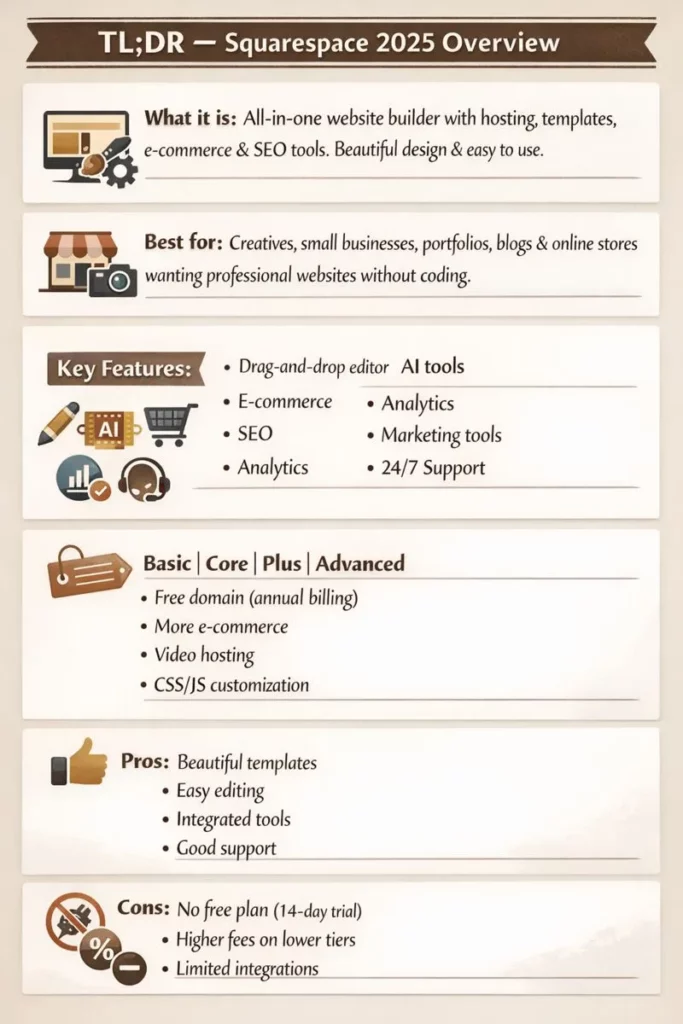
Squarespace is a hosted website builder that emphasizes high-end design, simplicity, and integrated functionality. Founded in 2003, it powers professional sites with reliable infrastructure, including fast loading times, automatic mobile optimization, SSL security, and global CDN hosting. There’s no free plan beyond a 14-day trial, but all paid plans include unlimited bandwidth, storage (in higher tiers), and core tools.
Squarespace appeals to users who want elegant, minimalist sites without needing coding skills. It’s ideal for visual-heavy projects where template quality and out-of-the-box polish matter most.
Key Features of the Squarespace Website Builder in 2025
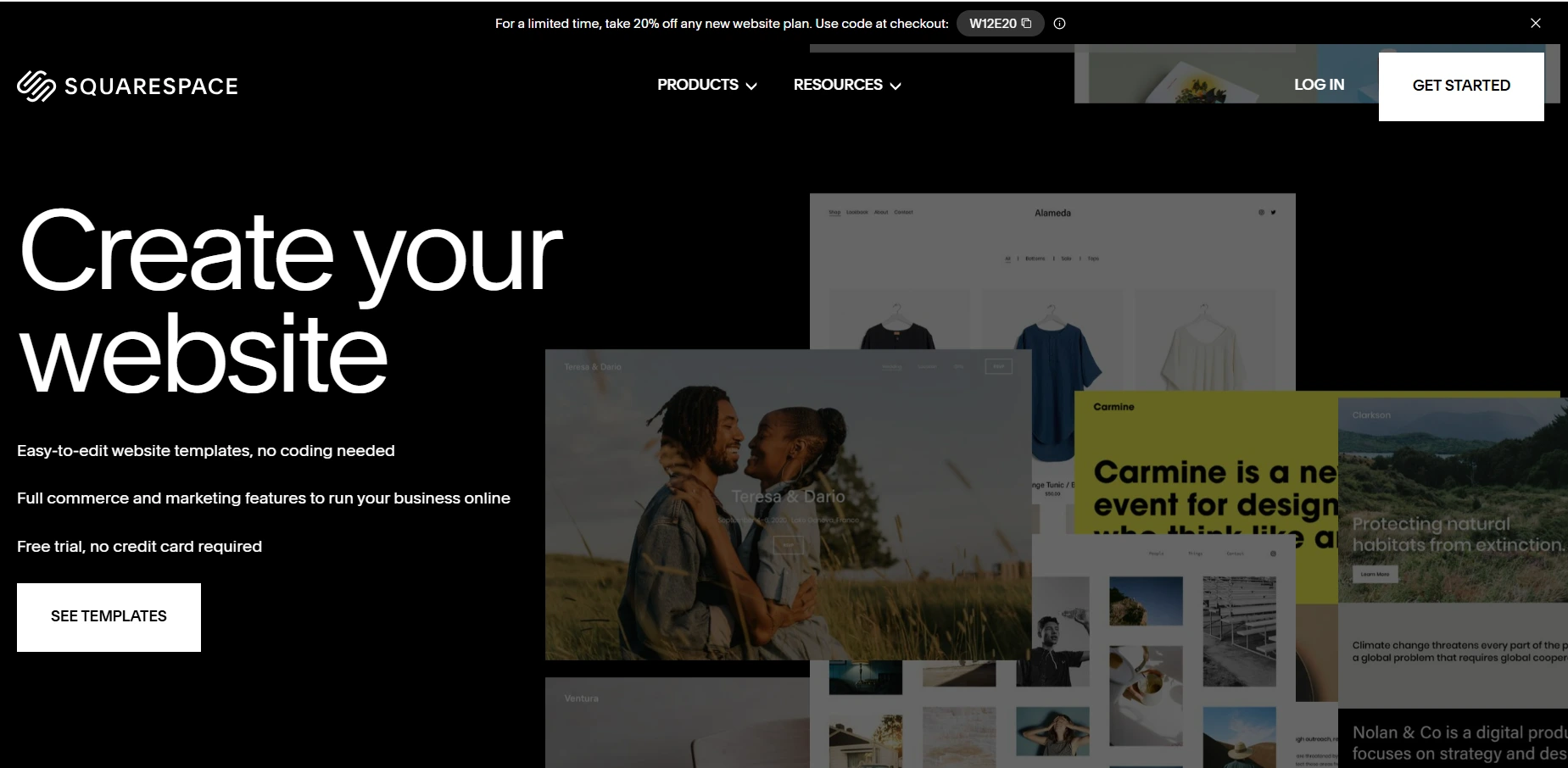
Squarespace’s Fluid Engine editor and AI tools make building sophisticated sites straightforward.
Design and Editing Tools
- Fluid Engine Editor: A modern drag-and-drop system with grid-based flexibility for precise layouts on desktop and mobile.
- Templates: Hundreds of award-winning, industry-specific templates known for their sleek, contemporary designs—all fully mobile-responsive.
- AI Features: Blueprint AI generates custom sites based on your descriptions, including layouts, text, and images.

E-Commerce Capabilities
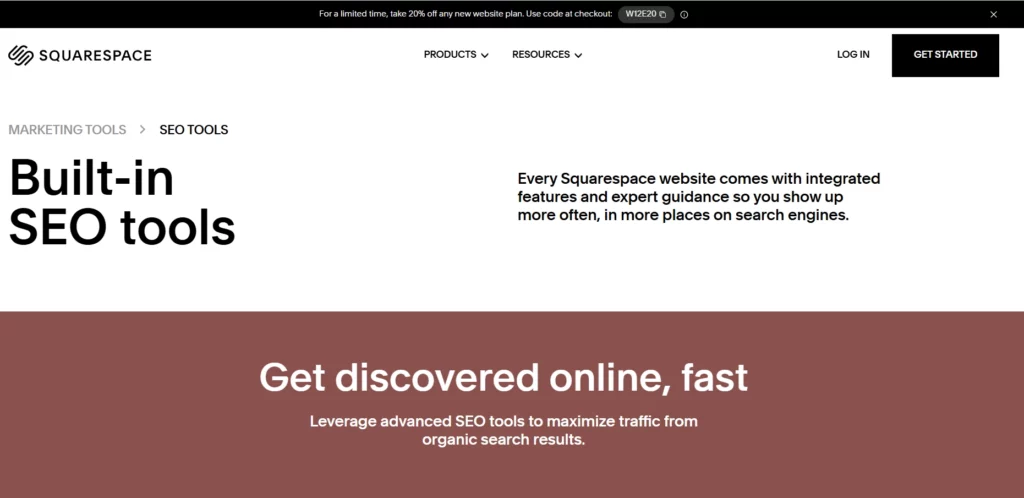
Squarespace supports selling across plans (with varying fees and features):
- Unlimited products, digital downloads, subscriptions, and services.
- Inventory management, shipping, taxes, payments (via Squarespace Payments or integrations).
- Advanced tools like abandoned cart recovery, merchandising, and low transaction fees on higher plans.
SEO Tools
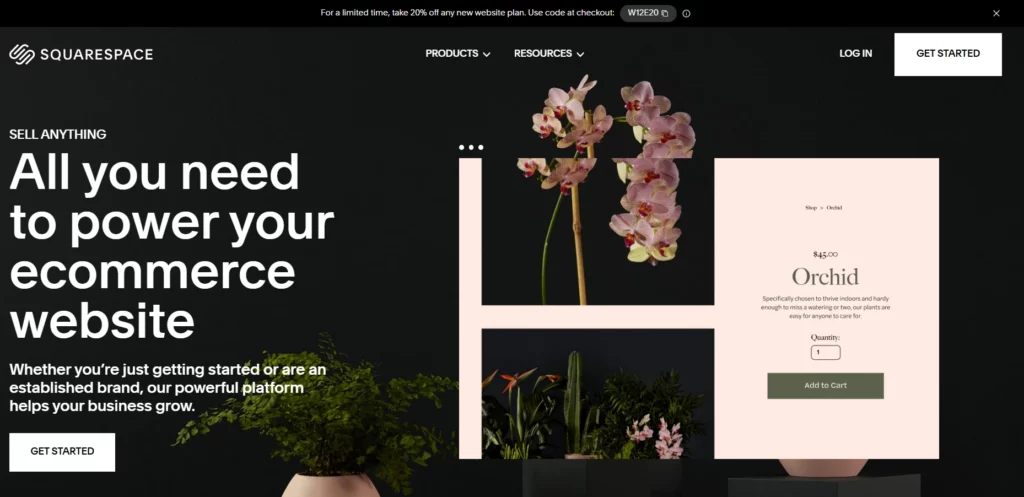
Squarespace includes robust built-in SEO:
- Clean URLs, automatic sitemaps, meta tags, and alt text support.
- AI-powered meta tag and description generation.
- SSL, fast loading, mobile optimization, and structured data.
- Integrations for Google Search Console and analytics.
Marketing and Integrations
- Email campaigns, social tools, and pop-ups.
- Analytics dashboard with traffic insights.
- Extensions for third-party tools (e.g., scheduling via Acuity, which may require add-ons).
Additional Tools
- Blogging, portfolios, member areas, and scheduling.
- Video hosting (varying limits by plan).
- Custom CSS/JS on higher plans for advanced tweaks.
- 24/7 support via chat/email, plus extensive Help Center.
Squarespace Pricing Plans in 2025
Squarespace offers a 14-day free trial. Paid plans are billed monthly or annually (with discounts). New plans (Basic, Core, Plus, Advanced) have rolled out globally, replacing older tiers for most users. All include a free custom domain for the first year (annual billing), hosting, and security. Promos like 20% off may apply.
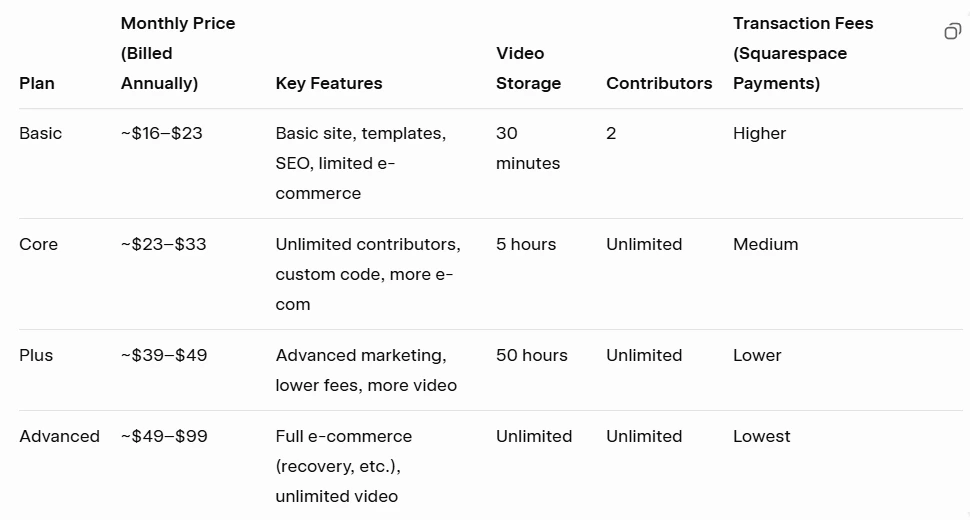
Prices vary by region; check official site for exact/current quotes and promos. Add-ons (e.g., email marketing, scheduling) may cost extra.
Pros and Cons of Squarespace in 2025
To help you decide objectively, here’s a balanced summary of Squarespace’s strengths and limitations based on its current features and user feedback patterns.
Pros
- Exceptional Design Quality: Award-winning templates deliver professional, minimalist aesthetics out of the box—ideal for creatives and brands prioritizing visuals.
- Ease of Use for Beginners: Intuitive Fluid Engine editor and Blueprint AI make site creation straightforward without coding.
- Strong Built-in Tools: All-in-one features for SEO, e-commerce, marketing, and analytics reduce the need for many third-party plugins.
- Reliable Performance: Fast loading, mobile optimization, SSL, and unlimited bandwidth/storage on most plans ensure professional results.
- Excellent Customer Support: 24/7 email/chat, comprehensive Help Center, and high-rated assistance.
- Integrated E-Commerce: Unlimited products, low fees on higher plans, and tools like abandoned cart recovery suit small to mid-sized stores well.
Cons
- No Free Plan: Only a 14-day trial; premium pricing starts higher than some competitors with free tiers.
- Limited Flexibility: Grid-based editing is structured (less free-form than some drag-and-drop builders), and extensions marketplace is smaller (~49 options).
- Learning Curve for Advanced Customization: While beginner-friendly, deeper tweaks (e.g., custom code) are restricted to higher plans.
- Transaction Fees on Lower Plans: Higher fees for e-commerce until upgrading; not ideal for high-volume selling without advanced plans.
- Fewer Integrations: Relies more on built-in tools; less extensive app ecosystem compared to open platforms.
- Scalability Limits: Best for small/medium sites; may require migration for very large or highly complex needs.
Who is Squarespace Best For?
Squarespace shines for:
- Creatives and designers needing premium, ready-to-go aesthetics.
- Small businesses or portfolios prioritizing polish over free-form editing.
- E-commerce sellers wanting integrated, beautiful stores (especially mid-tier).
- Users comfortable with structured editing and willing to pay for quality.
It may warrant review for highly custom-coded sites or budget-conscious beginners seeking free tiers.
Final Thoughts: Is Squarespace the Right Platform for You?
In 2025, Squarespace delivers exceptional design quality, reliable performance, and streamlined tools in a premium package. Its trial lets you test thoroughly, and plans scale for growth. If elegant templates, built-in features, and professional results are priorities, Squarespace is a top choice. Explore the trial to see the difference.
This guide will be updated with personal experience post-testing.
FAQ
What makes Squarespace stand out?
Squarespace focuses on designer-quality templates, intuitive drag-and-drop editing, and strong all-in-one features (SEO, e-commerce, marketing) — ideal for users who want polished sites without needing coding skills.
What major features are available in 2025?
- Fluid Engine Editor for precise layout control.
- AI tools (like Blueprint AI) to help generate sites from descriptions.
- E-commerce support with product management, digital downloads, subscriptions, inventory, shipping, and tax features.
- Built-in SEO and analytics dashboards.
- Marketing tools (email campaigns, pop-ups, integrations).
- Member areas, blogging, scheduling, and video hosting on applicable plans.
What are the 2025 pricing plans?
Basic — essential features and templates.
- Core — adds more customization and moderate e-commerce.
- Plus — stronger e-commerce and marketing tools.
- Advanced — full suite with lowest fees and advanced store tools.
All plans include hosting, mobile optimization, and a free custom domain with annual billing. (Prices vary by region and current promotions.)
Is there a free version?
There is no permanent free plan — only a 14-day free trial. All functional features require a paid subscription.
Can I sell products on Squarespace?
Yes! You can sell unlimited products, digital downloads, services, and subscriptions — but transaction fees and features depend on your plan level. Higher tiers offer lower fees and advanced e-commerce tools.
Do I need coding experience?
No. Most editing is done visually via the Fluid Engine editor. Custom CSS/JavaScript is available on higher plans for advanced tweaks.
Who should not use Squarespace?
- Those needing extensive third-party apps or plugins.
- Developers wanting full customizable freedom.
- Users who need free forever options.
- Very large or complex enterprise sites (might outgrow the platform).
What are the main downsides?
- No free plan beyond the trial.
- Transaction fees on lower plans.
- Less marketplace integration and extensibility compared to some competitors.
- Structured grid editing has limits for free-form layouts.
How does support work?
Squarespace provides 24/7 customer support via live chat and email, plus a detailed help center.
Can I switch plans later?
Yes — you can upgrade or change plans as your site grows and needs more features. Pricing adjustments depend on billing cycles and regional rates