
The first time I used Image Studio, my goal was simple:
create blog images that were clear, calm, and didn’t slow me down.
That alone was a win.
But something unexpected happened once I stopped treating image creation like a task I had to “get right.”
I started playing.
Not wildly. Not irresponsibly.
Just enough to remember that creativity — especially visual creativity — doesn’t have to behave all the time.
And that’s when Image Studio became more than a practical tool.
It became a creative one.
TL;DR
You don’t have to be a designer — or take yourself too seriously — to create effective blog images. Image Studio makes it easy to experiment, play with ideas, and even use a little humour to create visuals that feel human, memorable, and aligned with your message. Sometimes the image that makes you smile is the one that works best.
Creativity Doesn’t Always Show Up When You’re Being Sensible
Most people approach blog images with a quiet, unspoken pressure:
This needs to look professional.
This needs to make sense.
This needs to be safe.
That mindset explains why so many blog visuals end up looking… fine.
Clean, relevant, and forgettable.
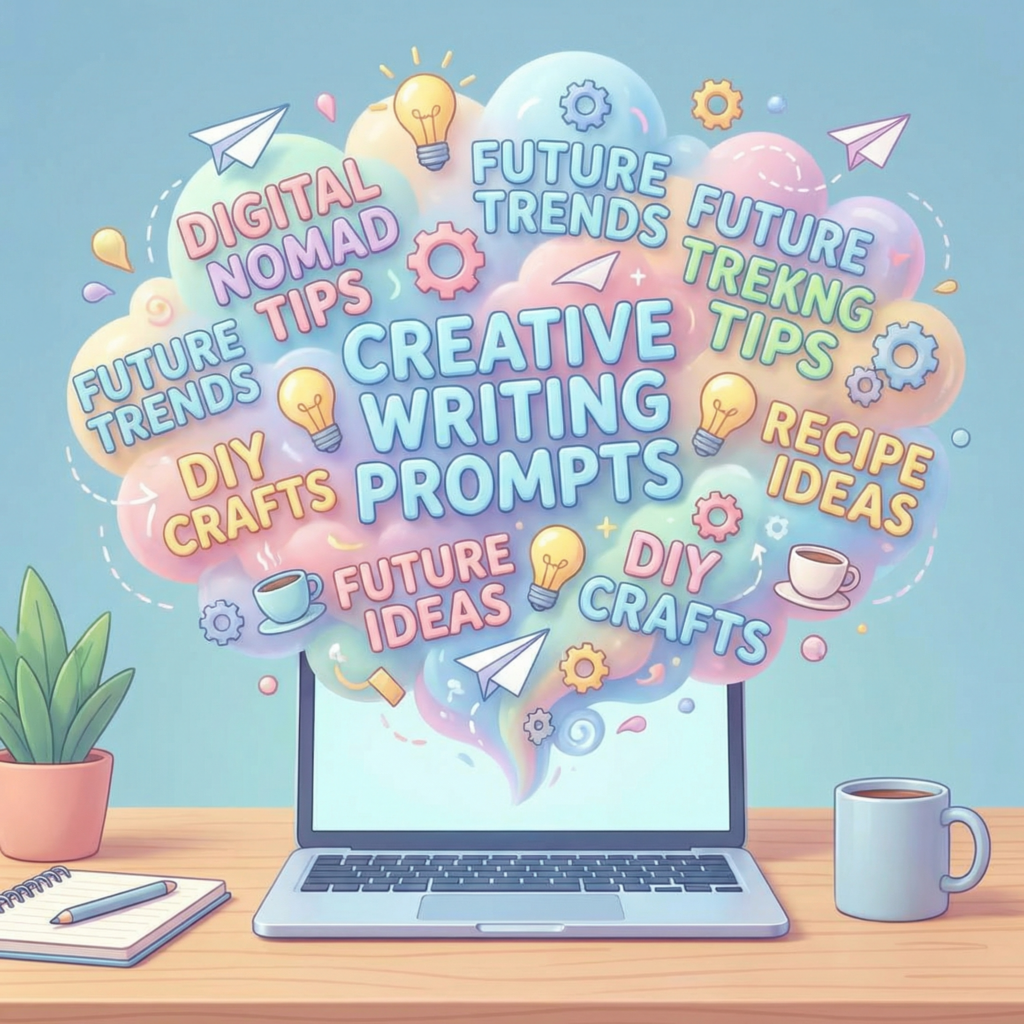
Image Studio creates space to explore ideas visually without consequence. No design background required. No expensive software. No pressure to commit to the first idea that appears.
Sometimes that leads to sensible images.
And sometimes it leads somewhere more interesting.
The Image That Wasn’t Supposed to Make It Into the Post
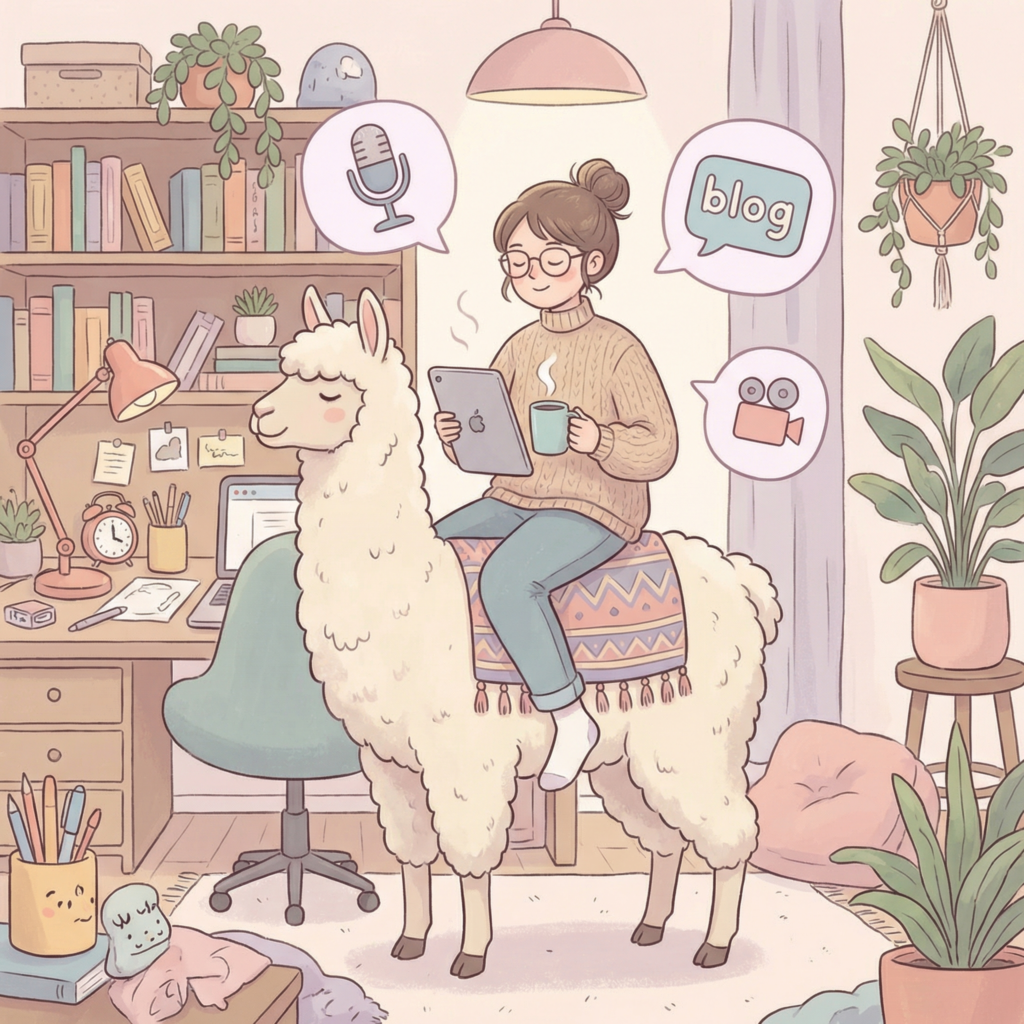
One of the images I created recently was never meant to be published.
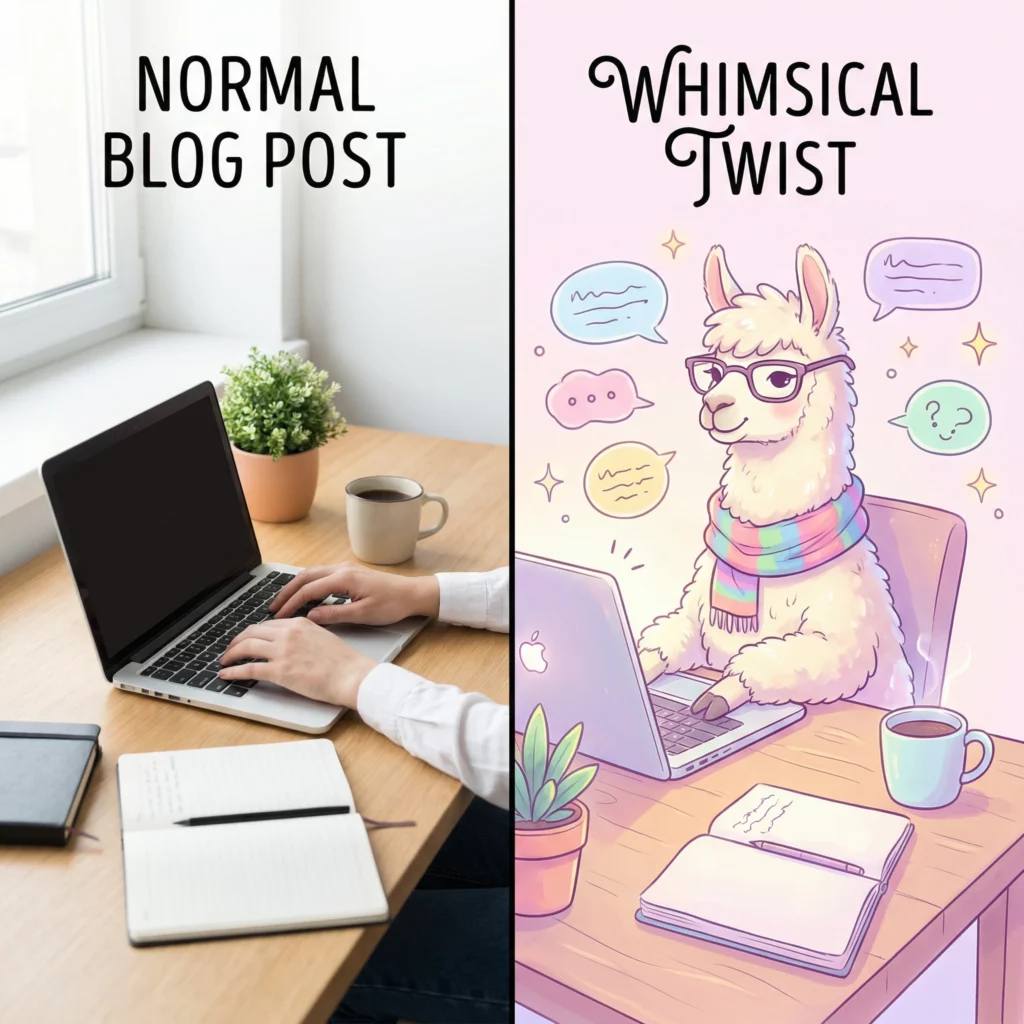
It started as a “what if” idea — a slightly ridiculous visual metaphor generated out of curiosity. The kind of image you expect to laugh at briefly and then delete.
Except I didn’t delete it.
The image captured the feeling of the post better than the more polished option. It made the point instantly — without explanation.
So I kept it.
That moment changed how I think about blog images. Playfulness wasn’t undermining clarity. It was supporting it.
Why Playfulness Actually Helps Creativity (Especially for Beginners)
When people say they’re “not creative,” (that’s me), it’s usually not because they lack ideas.
It’s because creativity feels like something you’re supposed to already be good at.
Play removes that pressure.
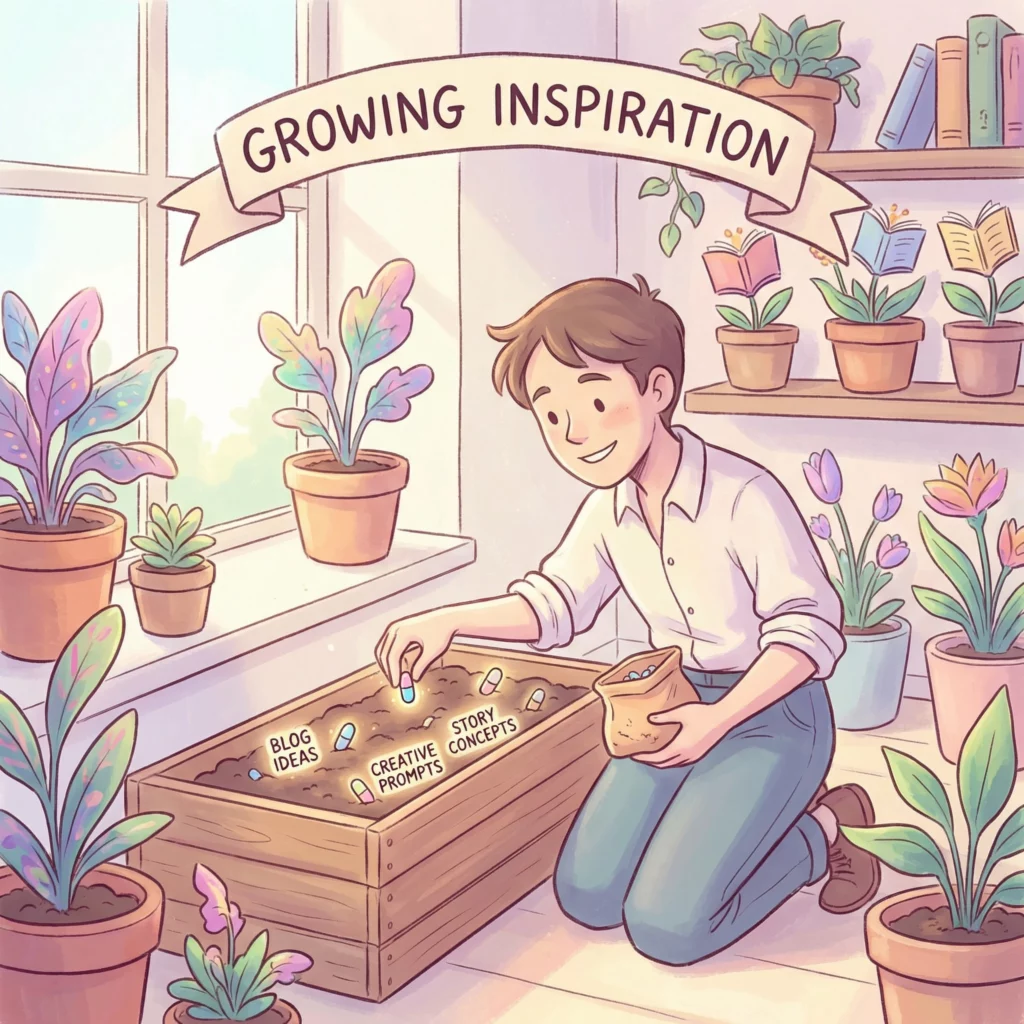
When you allow yourself to experiment visually, you:
- stop overthinking decisions
- explore ideas more freely
- discover visuals you wouldn’t have planned
- build confidence through trying, not perfecting
Image Studio works well here because it lowers the barrier to entry. You can test ideas quickly, discard what doesn’t work, and keep what does — all without feeling like you’ve wasted time or effort.
What Playing With Image Studio Can Look Like (In Practice)
This doesn’t mean turning every blog image into a joke.
Playfulness can be subtle:
- taking a visual metaphor a little too literally
- adding one unexpected element to an otherwise calm image
- experimenting with different styles or moods
- creating an image just to see what happens
Some images will be purely functional.
Some will quietly add personality.
And occasionally, one will surprise you enough to earn its place.
That mix helps your blog feel human — not manufactured.
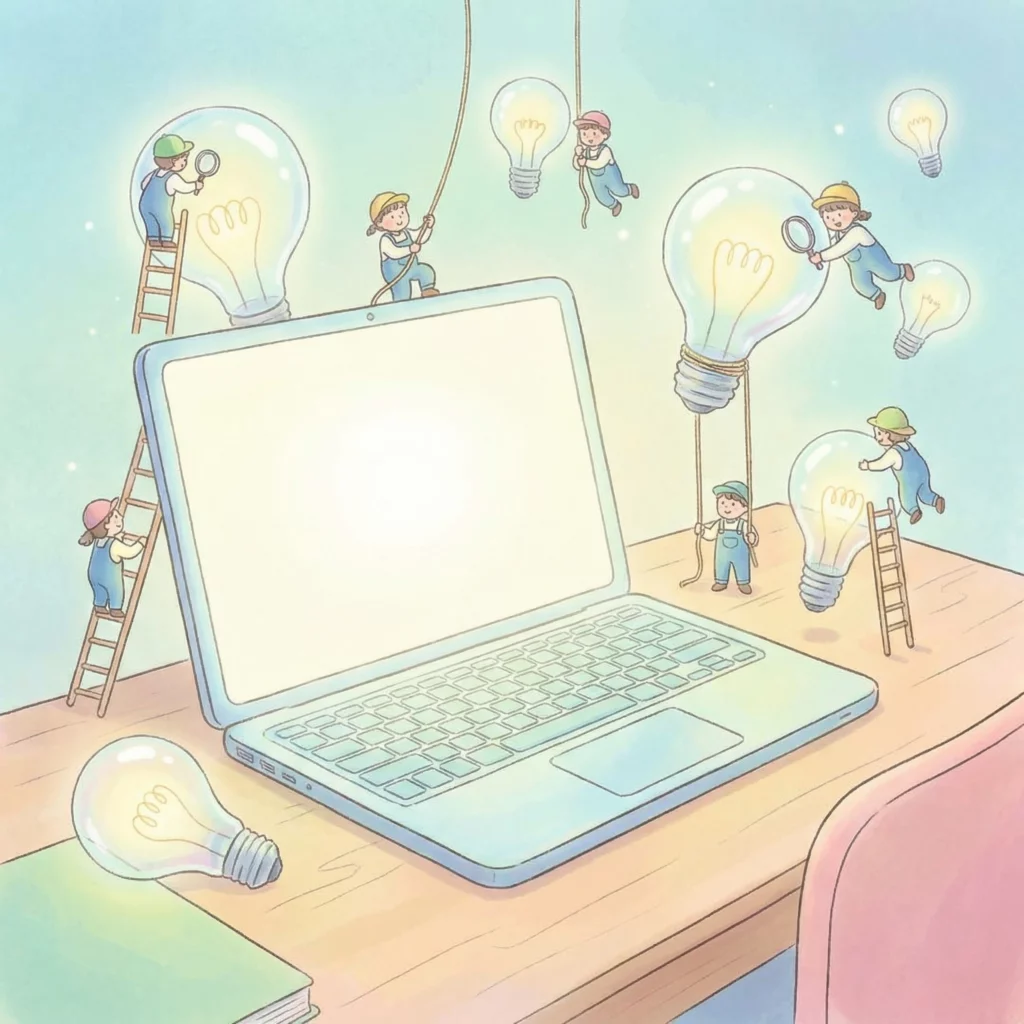
Keeping It Intentional (So It Still Feels On-Brand)
Playful images work best when they’re intentional.
A few simple checks help:
- Does the image still support the topic?
- Does it reflect the tone of the post?
- Is it enhancing clarity rather than distracting from it?
Used sparingly, a slightly unexpected image can make a post more engaging and more memorable — especially for reflective or mindset-based content.
Why Image Studio Makes Creative Experimentation Easier
If I were working with a designer, I’d never ask for half the ideas I try in Image Studio.
Not because they’re bad ideas — but because they’re exploratory.
Image Studio makes it easy to:
- test unconventional concepts quickly
- try multiple interpretations of the same idea
- experiment without commitment
That freedom encourages creativity without pressure — which is especially helpful when you’re still finding your voice online.
Where This Fits in My Overall Workflow
If you’re curious how Image Studio fits into my broader content process — especially as someone without design skills — I’ve shared that here:
👉 How I Create Blog Images Without Design Skills (Using Image Studio)
This article focuses more on the creative side of visuals, while that one walks through the practical, step-by-step workflow.
TL;DR (Yes, Again — Because It’s Worth Repeating)
Creativity doesn’t always show up when you’re trying to be polished.
Sometimes it appears when you let yourself experiment — even lightly.
Image Studio isn’t just a tool for creating blog images quickly. It helps you build your site gently.
It’s a space to explore ideas, test visual metaphors, and occasionally keep the image that wasn’t supposed to make the cut.
FAQ
Can playful blog images still feel professional?
Yes. Playfulness doesn’t mean careless. One thoughtful, slightly unexpected image can improve clarity and reader connection.
Do I need to be creative to use Image Studio effectively?
No. Creativity grows through experimentation. Image Studio handles the technical side — you bring the ideas.
Is it okay to use humour or unconventional visuals on a blog?
If the image supports your message and reflects your voice, absolutely. Readers remember how content made them feel.
A Final Thought
You don’t have to take your images — or yourself — quite so seriously all the time.
Sometimes, letting yourself play is the most productive creative decision you can make. The platform is available on the platform I use to create and manage this site.
And if one of those playful images makes you smile before you hit publish?
That’s usually a good sign.